Gesture Control — Android
Your phone.
Your rules.
One gesture. Navigate, control, launch — your way.



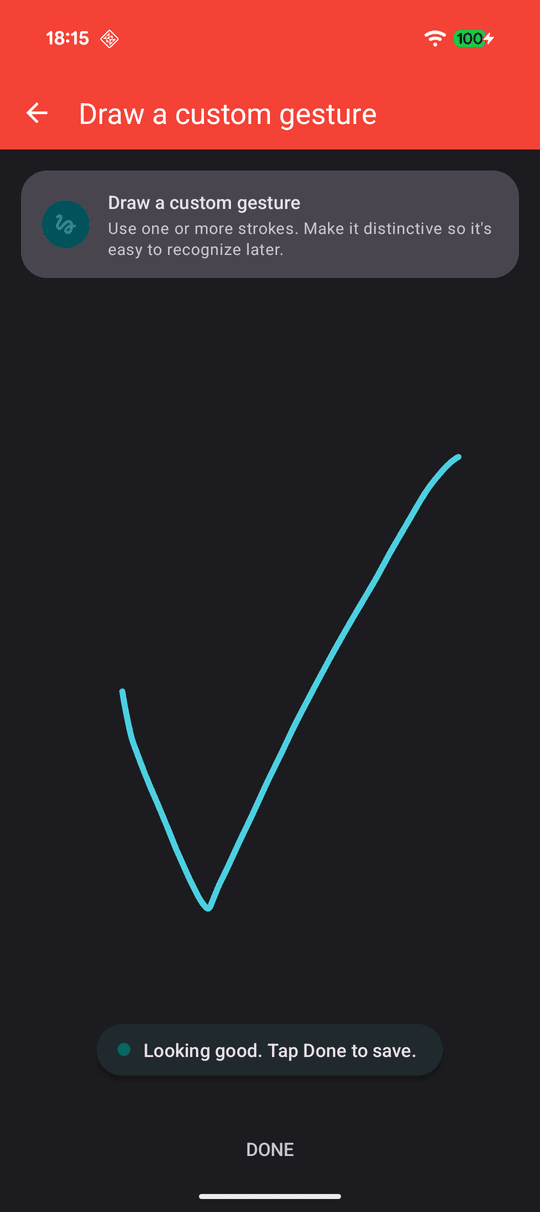 Draw your gesture
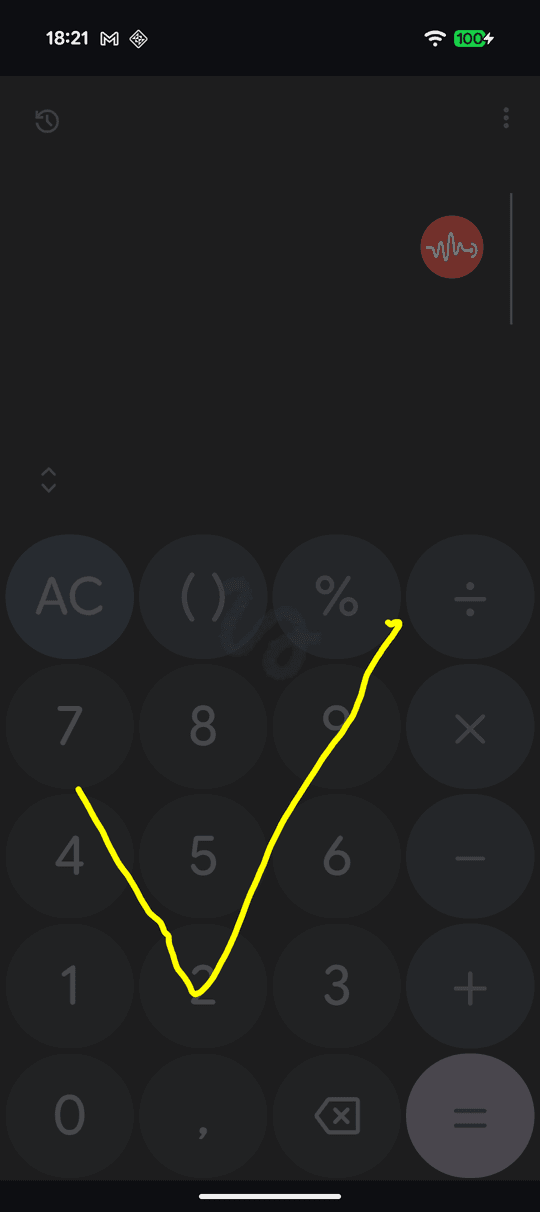 Use it over any app

Gesture Control — Android
One gesture. Navigate, control, launch — your way.
Draw your gesture
Use it over any app
Triggers
Floating icon over any app. Tap, double-tap, or long-press.
Tap or swipe the nav bar without leaving your current app.
Swipe from any edge. Invisible until you need it.
Shake, chop, or wave — even from the lock screen.
Tap any NFC tag to fire an action — at home, in the car, at your desk.
Features
Tap, swipe, or draw any shape on the pad. Map it to any action.
One gesture triggers voice — search, call, open apps, hands-free.
Home, back, screenshot, flashlight, Wi-Fi, lock — all on a gesture.
Apps, shortcuts, contacts, URLs — one gesture away.
Any screen size, portrait or landscape. The pad stays where you put it.
No accounts, no analytics. Everything stays on your device.
Actions you can trigger
One gesture. Anything.
Unlock Edge Sense, Motion Sense, and NFC Tag Actions — and drop the ads for good.